KeyFolio

KeyFolio/Features/Calls and activities

Every call, on the record

The difference between a good agent and a lucky one is often a note: what the client said, and when to call back.

One click, no account. You work as the team lead of a fictional brokerage; nothing you change is kept.

Calls and activitieskeyfolio.techma.ai
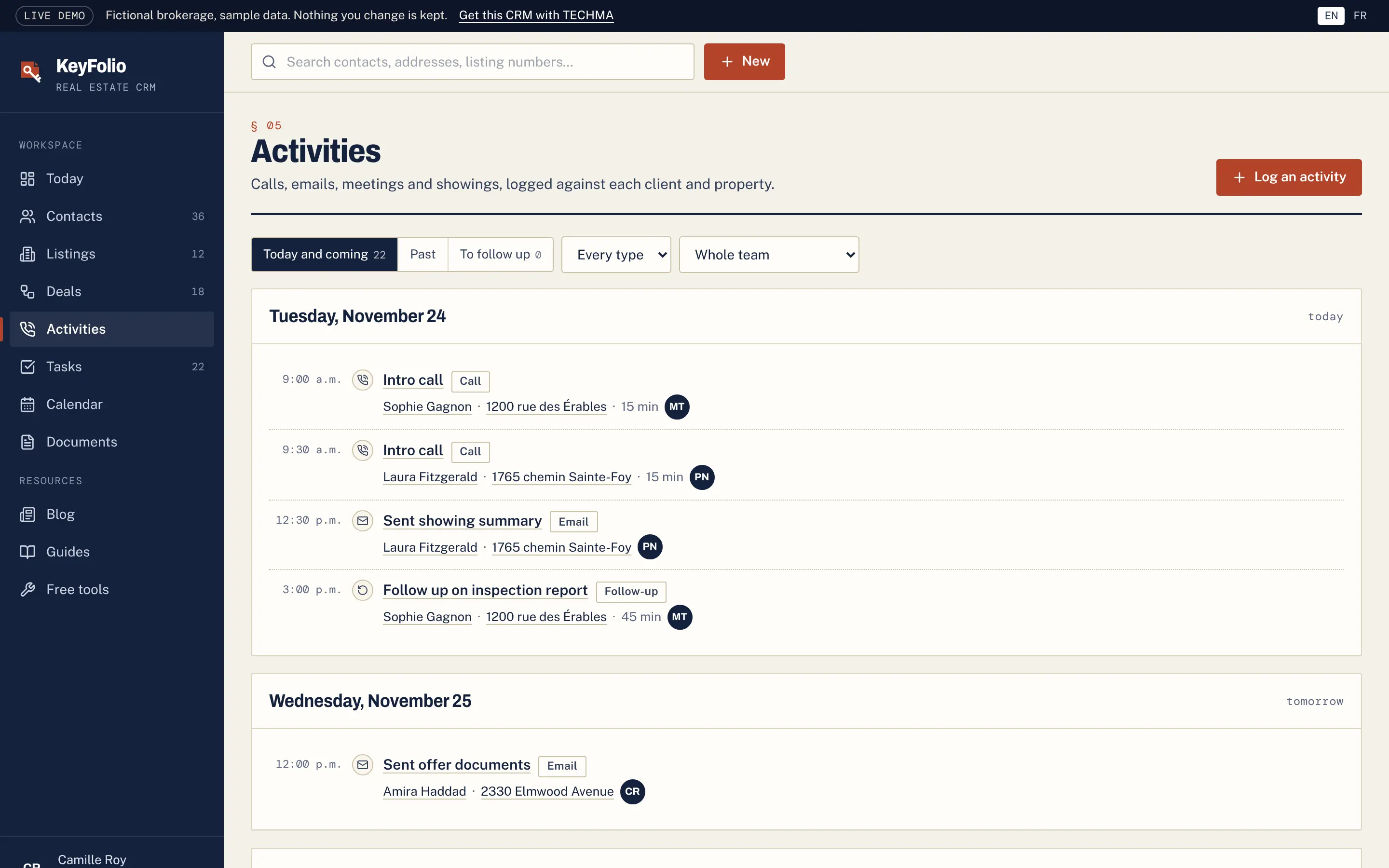
KeyFolio's activity list by day with calls, emails, meetings and showings

Five kinds of activity

Calls, emails, meetings, showings and follow-ups. Each one has a title, a date and time, a duration, the broker who did it, the client, the property and the deal it concerns, and an outcome in plain words.

Three ways to read them

  • Today and coming, day by day.
  • Past, to see what the team did this week.
  • To follow up, the activities flagged for a next step that has not been done.

Done with one button

When a planned call or showing has happened, mark it as done. It moves into the client's history, where the next person who calls them will see it.

Terms used on this page

Follow-upShowing

Questions

Asked before the first call

Are calls recorded automatically?

No. Activities are logged by hand in the demo. Logging calls from a phone system or emails from a mailbox is a custom addition.

Live demo

Judge it on a full day's work.

KeyFolio is a working application, not a mock-up. Log a call, move a deal to negotiation, plan a showing and tick off a task, in English or in French.